Everything you need to run match day
A closer look at the four pillars and the AI that ties them together.
Secretariat
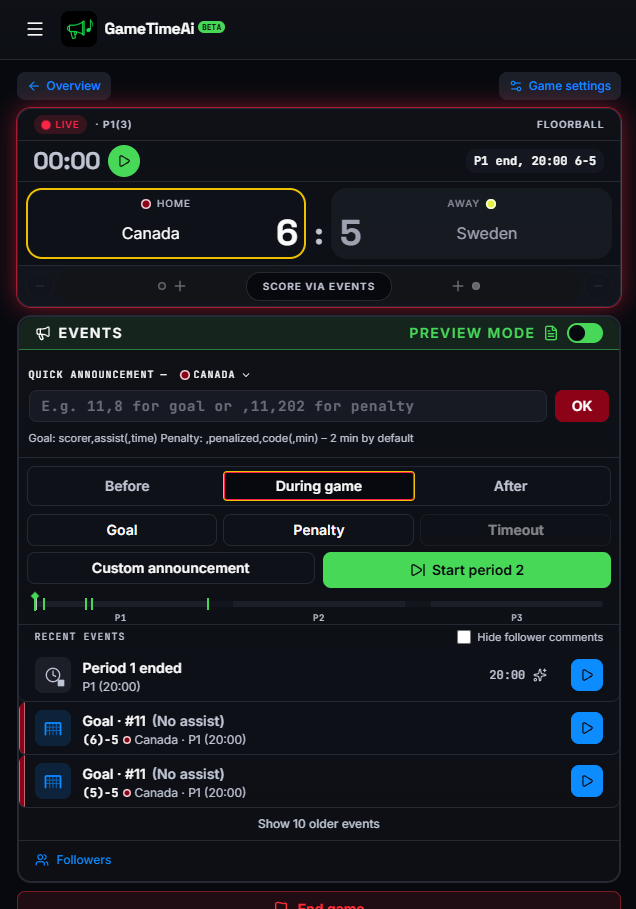
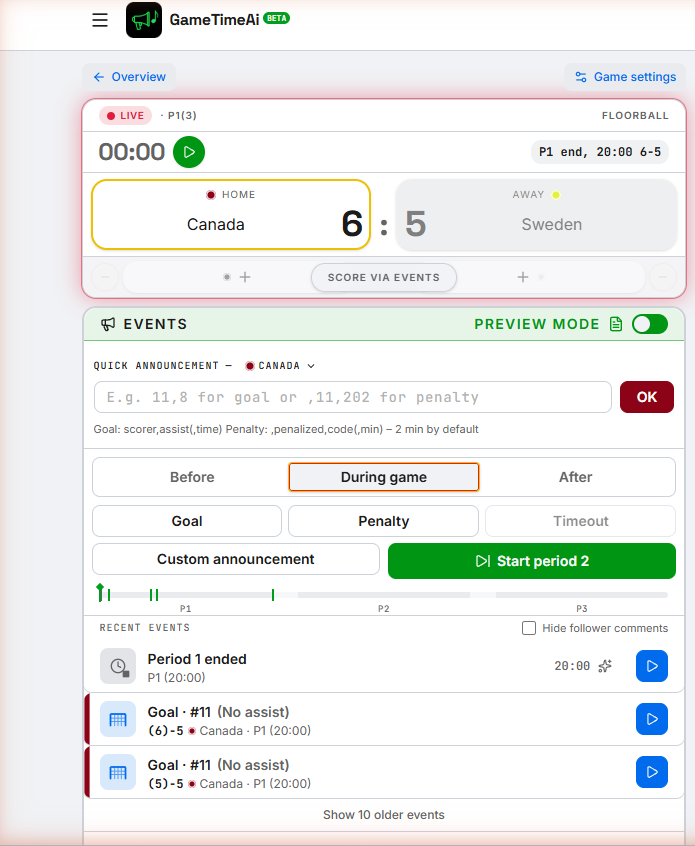
A fast, finger-friendly secretariat made for the bench. Capture score, penalties, periods, timeouts and goal scorers in seconds — and let the rest of the system react.
- One-tap score and event buttons
- Periods, penalties, timeouts, goal scorers
- Export results and event logs
Speaker
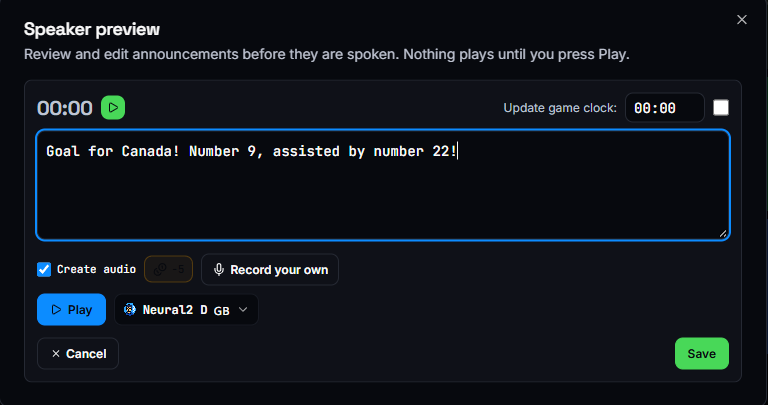
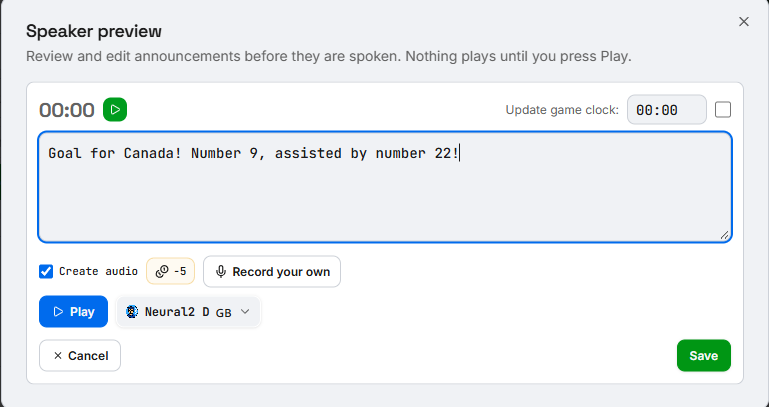
Turn events into voice automatically, or trigger your own recordings. Build templates for goal calls, penalties and intros once and reuse them all season.
- Pick a favourite AI voice for auto-announcements
- Record and store your own shouts
- Custom announcement templates
Soundboard
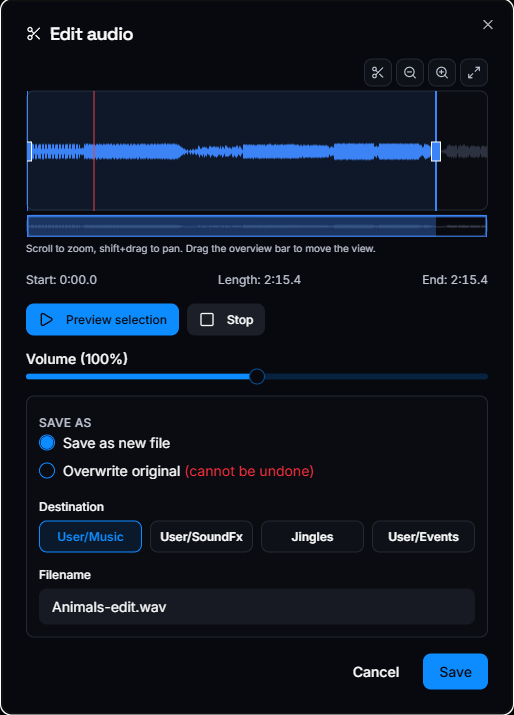
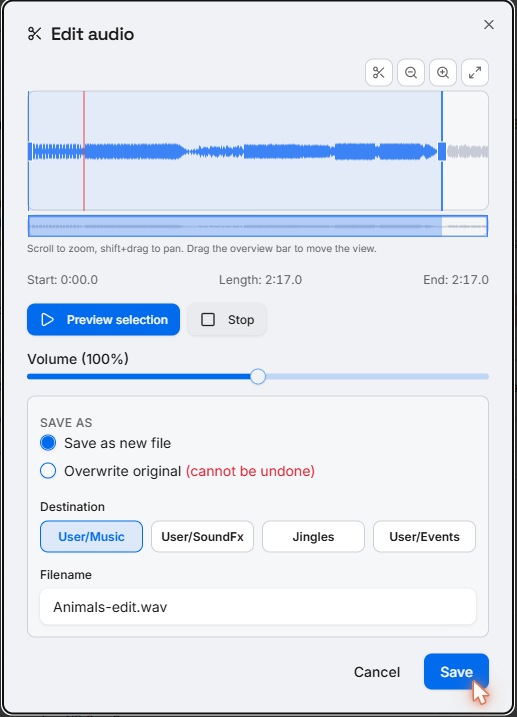
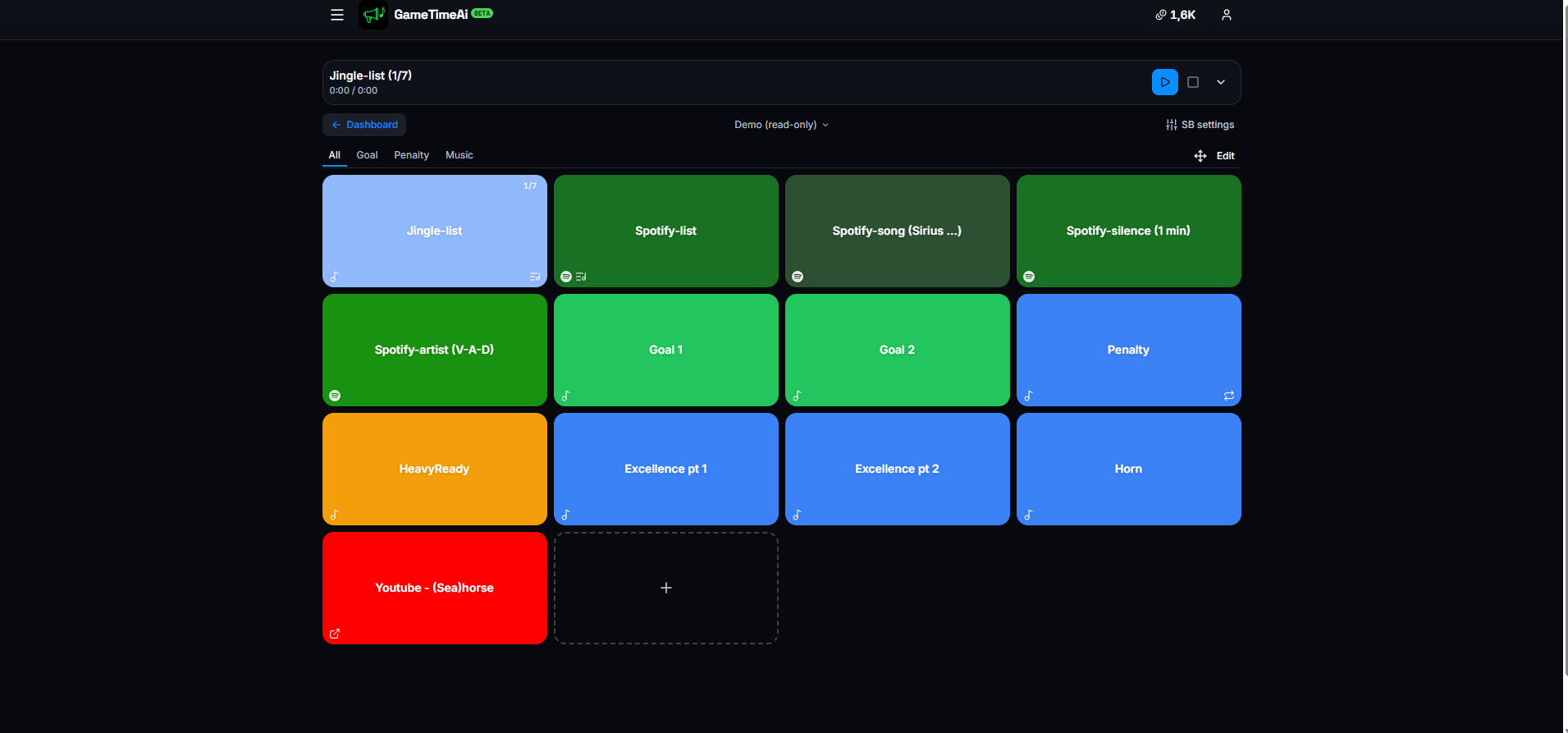
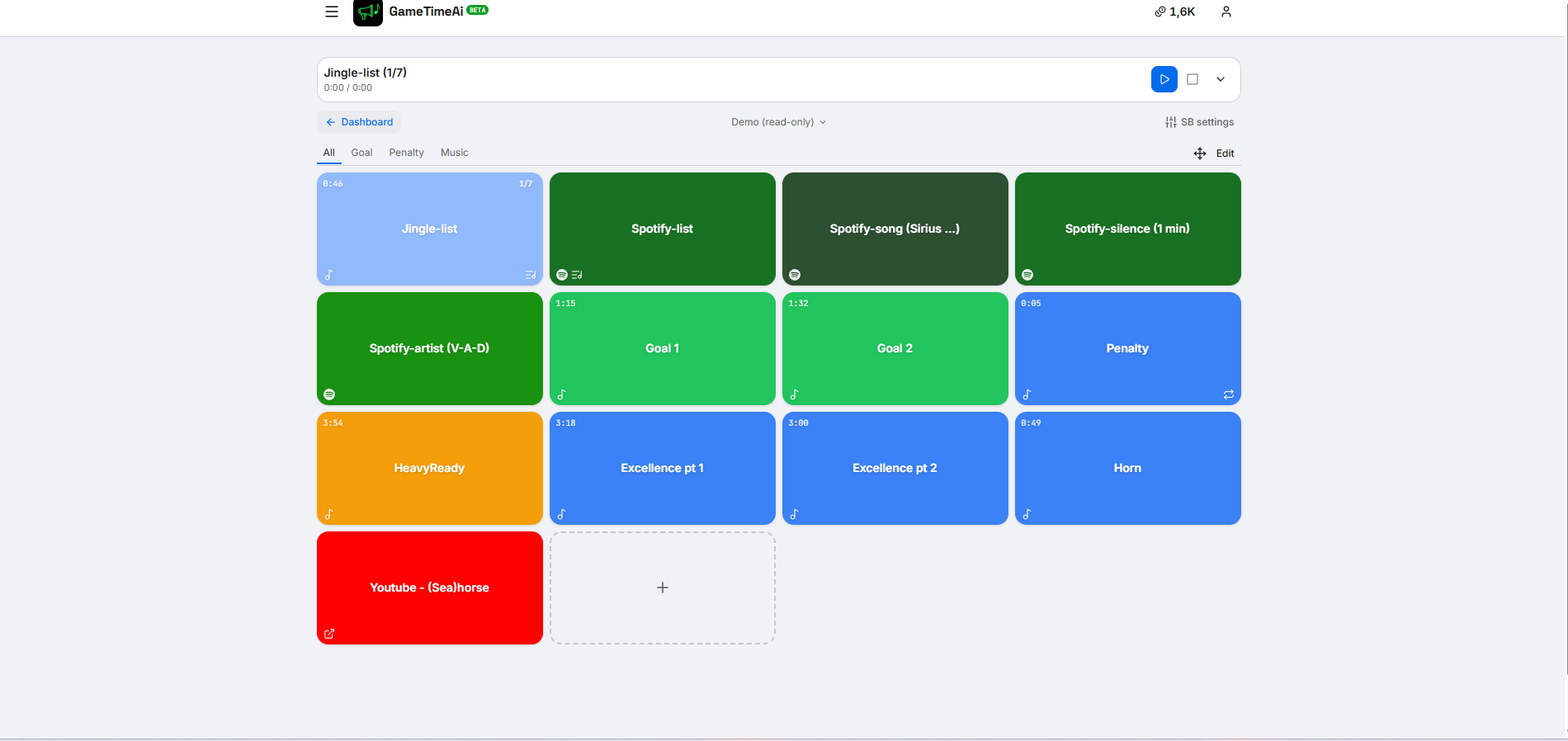
A soundboard built for the touchline. Big pads, music ducking, and an audio editor so your jingles always land on the beat.
- Up to unlimited pads on paid plans
- Built-in audio editor for trimming and EQ
- Spotify and local files supported
Follow mode
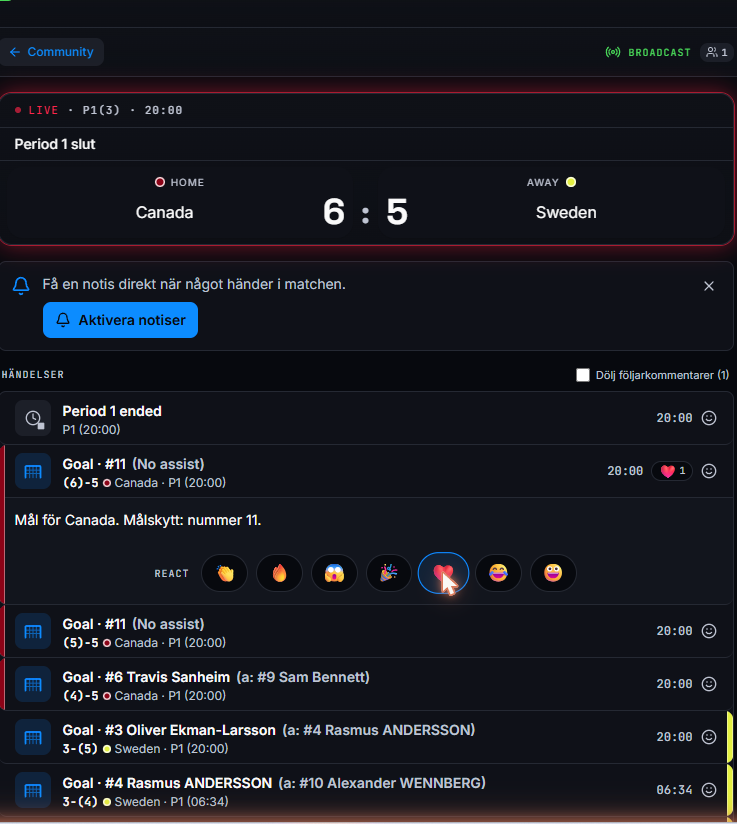
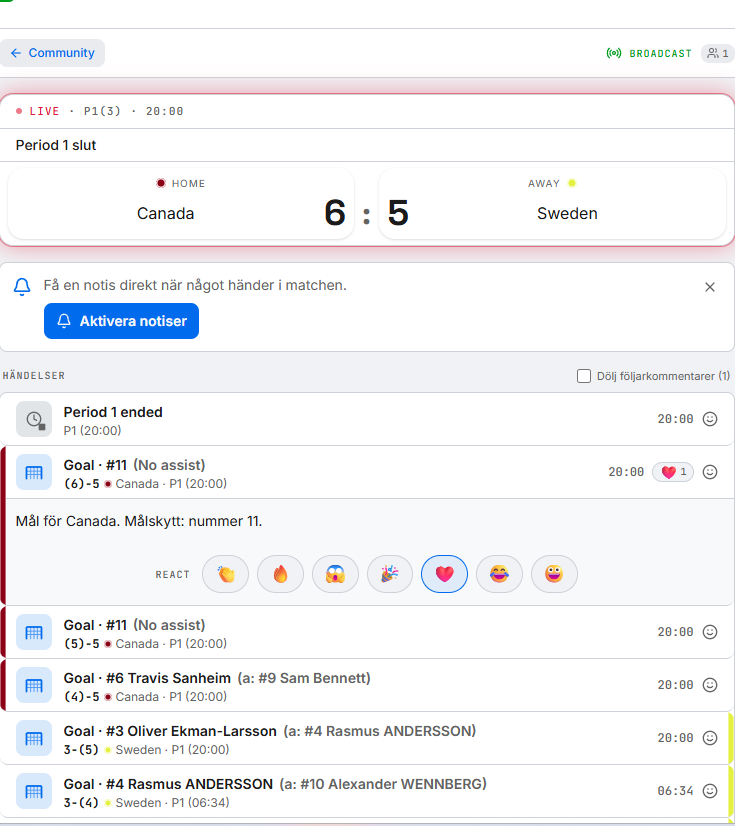
Send fans a follow link and they get a live, lightweight scoreboard with the event feed. They can comment back, so the arena feeling travels.
- No app install for followers
- Comment threads under each match
- Public or private match links
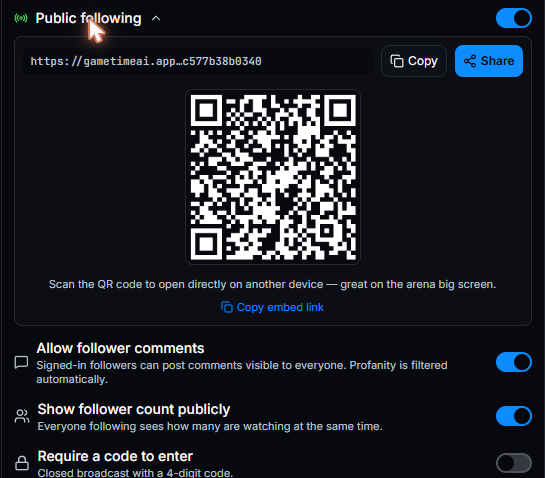
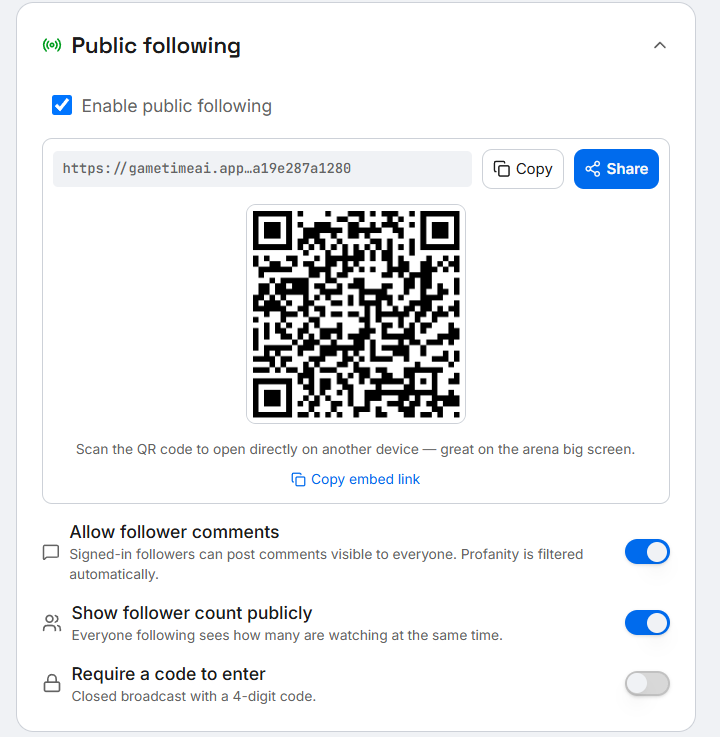
- Share link, QR code, and an embeddable view for the arena screen
Community
Take the arena feeling beyond match day. Turn on a public profile, let fans and other teams follow you, and see who's live right now.
- Public profile with a shareable @username and bio
- "From people you follow" feed of live and upcoming games
- Let followers copy your soundboard to their own account
Media library & file archive
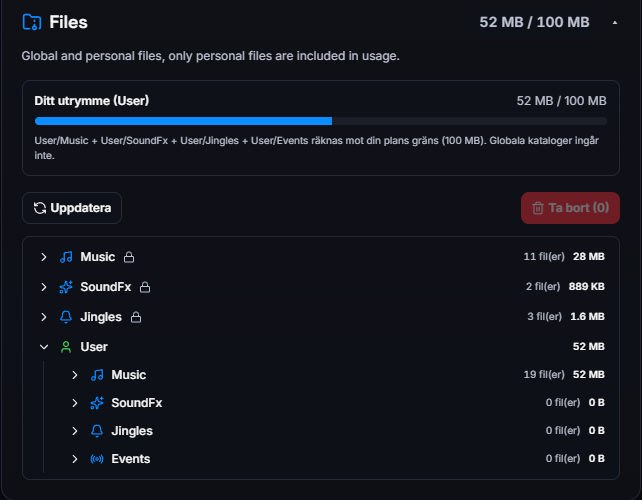
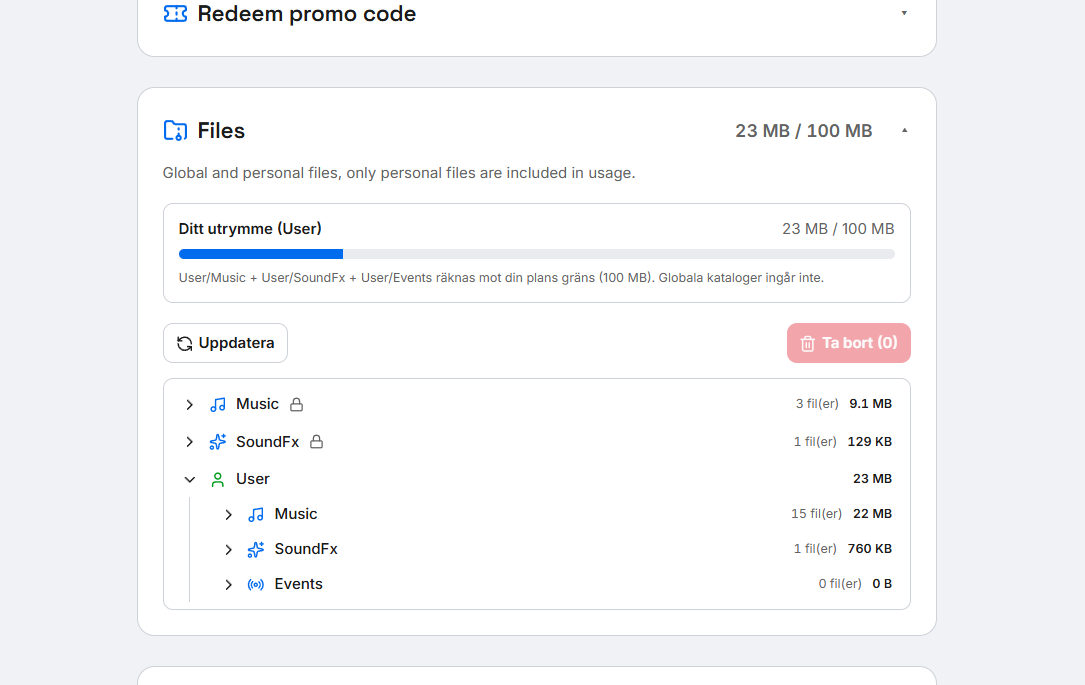
Every jingle, upload and recorded announcement lives in one place — yours to reuse next match, on top of a shared library every plan starts with.
- Personal Music, SoundFx and Events folders, plus a shared library on every plan
- Storage scales with your plan — 10 MB free, up to 100 MB on Pro
- Trim and edit uploaded audio without leaving the archive
AI inside, end to end
Text-to-speech
Pick a voice and the speaker reads every event aloud.
Speech-to-text
Dictate notes and turn them into shareable summaries.
Sound-effect generator
Generate one-off jingles from a prompt when the moment calls for it.
Template AI
Suggest announcement copy based on the event you just logged.
Built-in audio editor
Trim, fade and EQ your sounds without leaving the app. Save versions for warm-up vs. game.